Some words can’t be sounded out. Children have to know them by sight.
Ready Sight Go teaches them on iPad, one word at a time, in nine short steps. Every instruction is spoken aloud, so your child can start before they can read the directions.
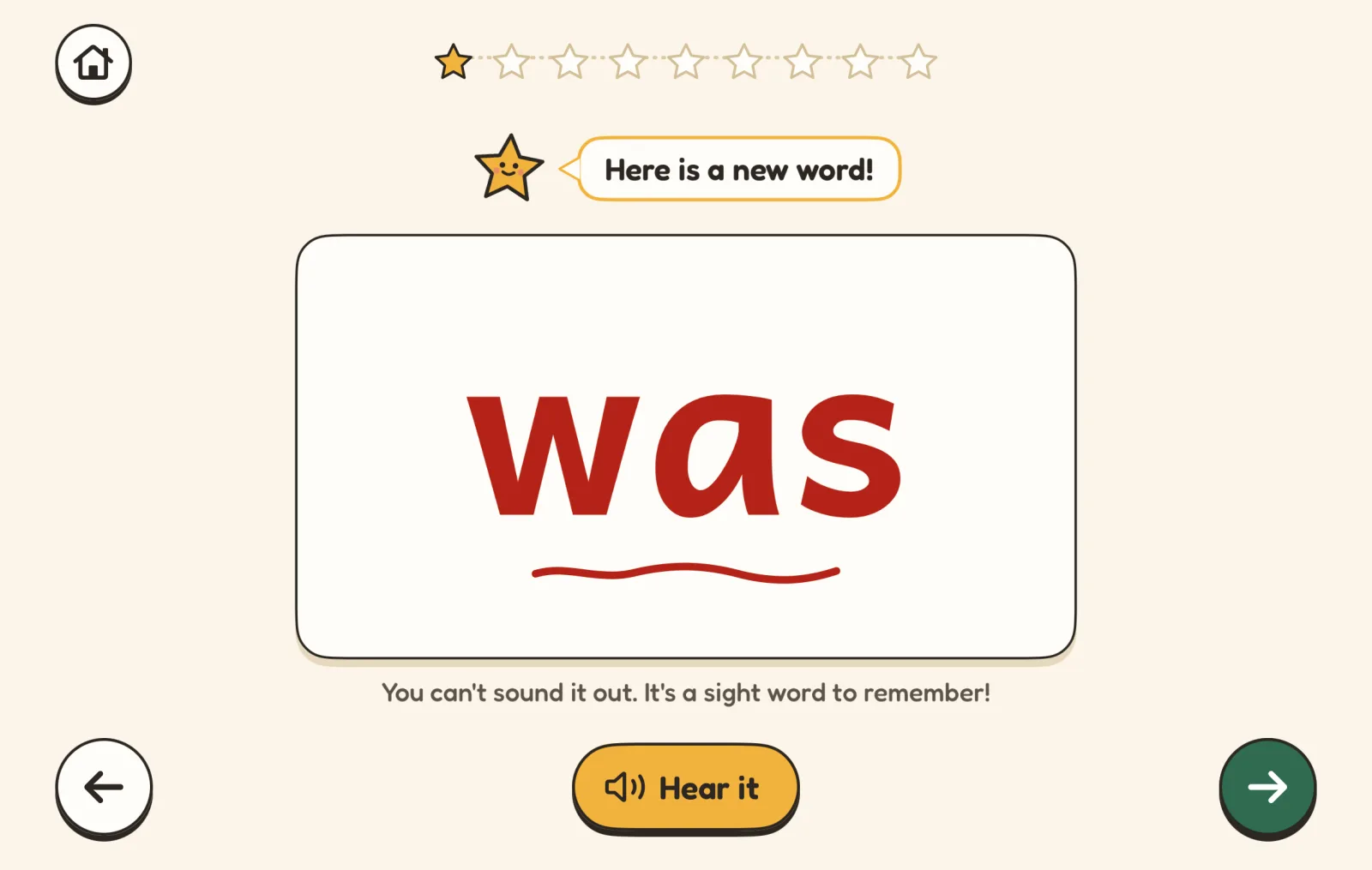
First they meet was, learn a trick for it, and trace it.
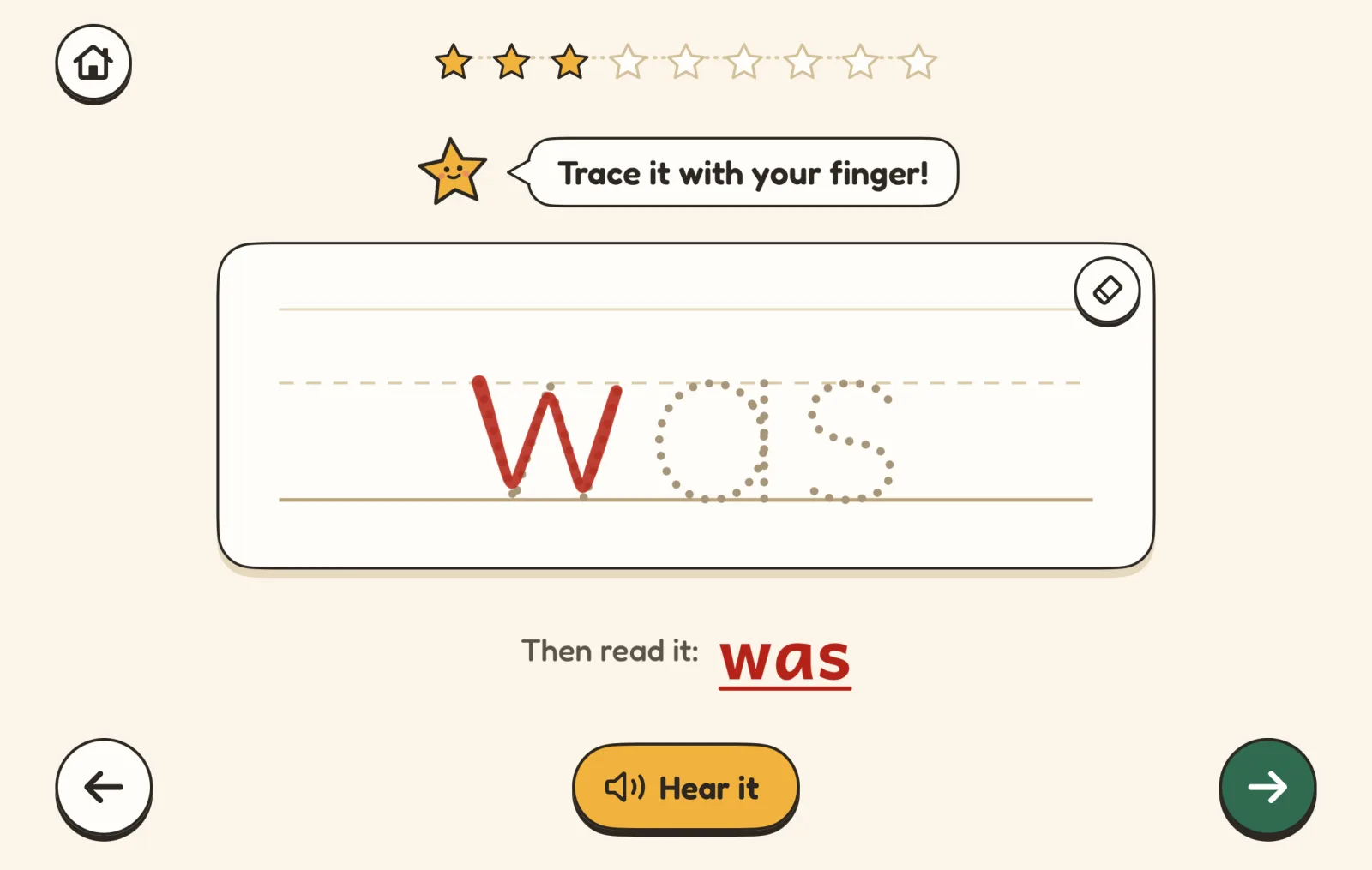
The buddy says the word. A memory trick points out the letters that don’t sound right: Was A Star. Then your child traces it with a finger or Apple Pencil.
- 1 Meet the word
- 2 A memory trick
- 3 Trace it
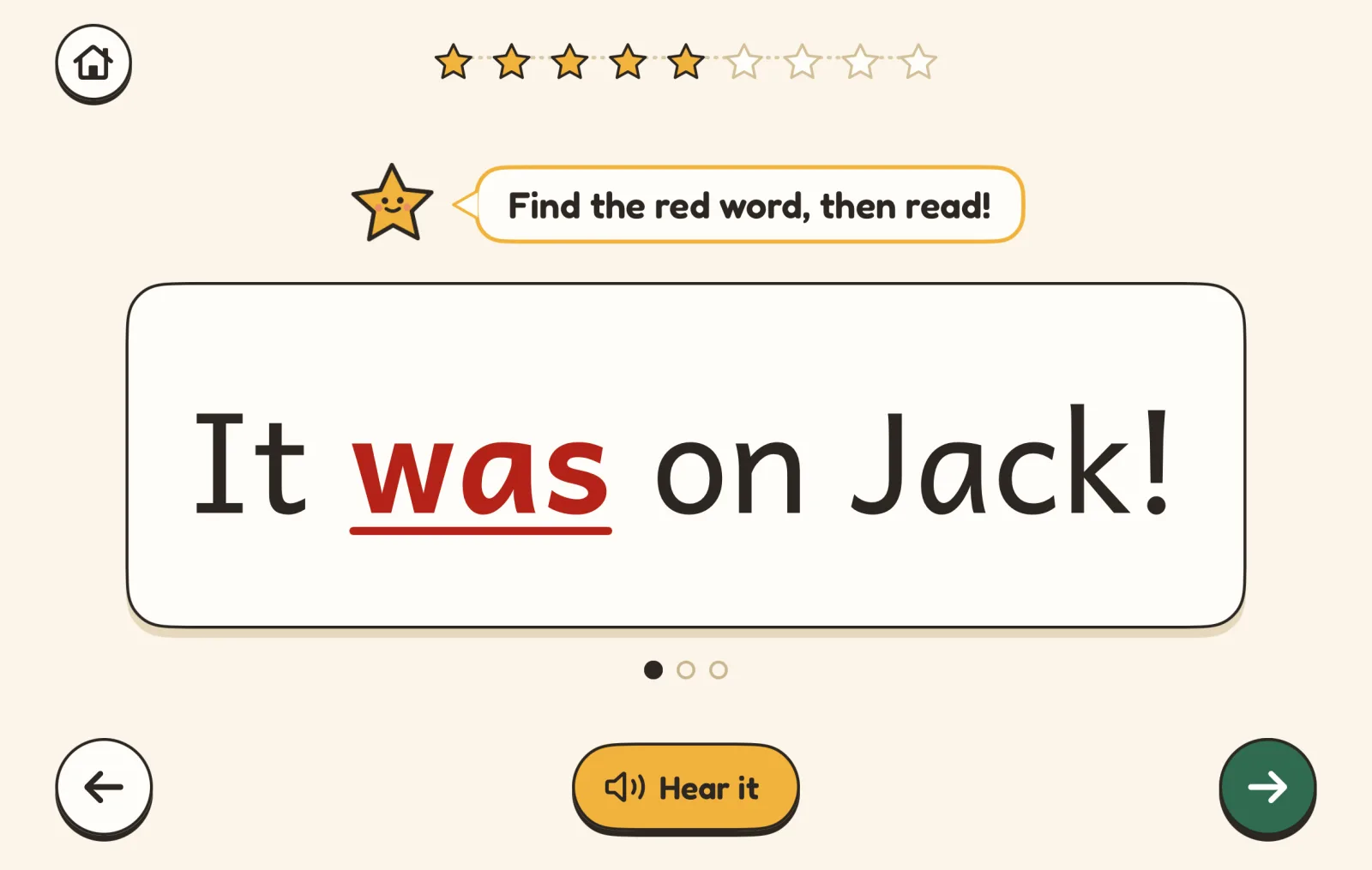
Then was turns up in sentences. Red at first, then not.
- 4 Growing phrases
- 5 Sentences in red
- 6 Sentences, no red
was in
was in the
Jim was in the bath.
Phrases grow one word at a time until they’re a sentence. Next come sentences with was in red, then the same kind with no red at all. Hear it reads the sentence aloud, as a check after your child has tried.
In the first story, was fades line by line.
It starts big and red, gets smaller, and by the last line looks like every other word. Two more stories follow with no red at all.
7 Story time, three short stories
It was hot on the path.
Liz was with Jim and his dog.
Liz was hot, but Jim was not.
Jim had a jug of pop.
Liz and the dog had a sip.
Then Liz was not hot.
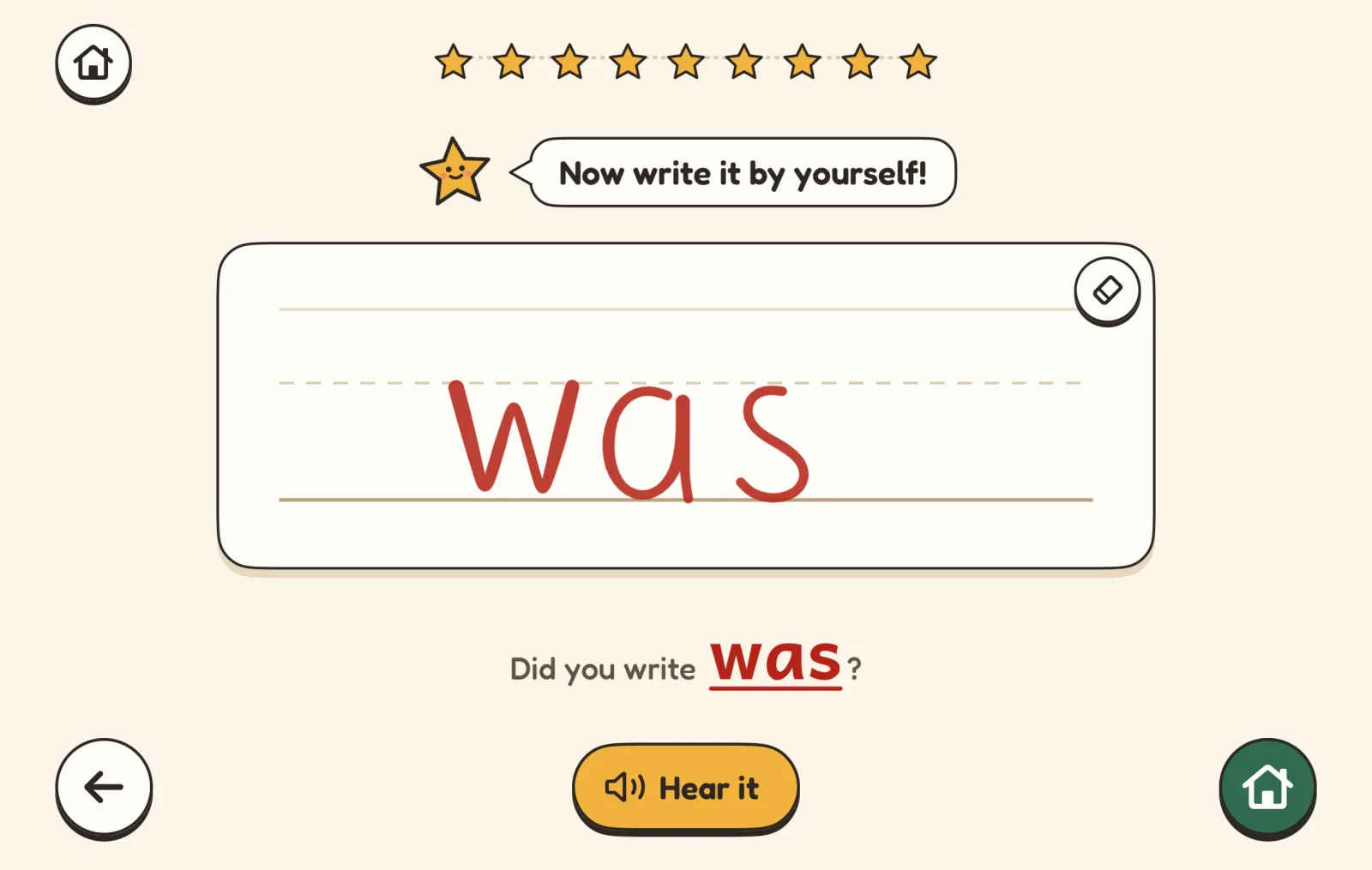
Last, they find it among look-alikes and write was from memory.
Step 8 hides was among saw, as and the. Step 9 takes the dotted letters away. Check it shows the word so your child can compare.
- 8 Find the word
- 9 Write it from memory
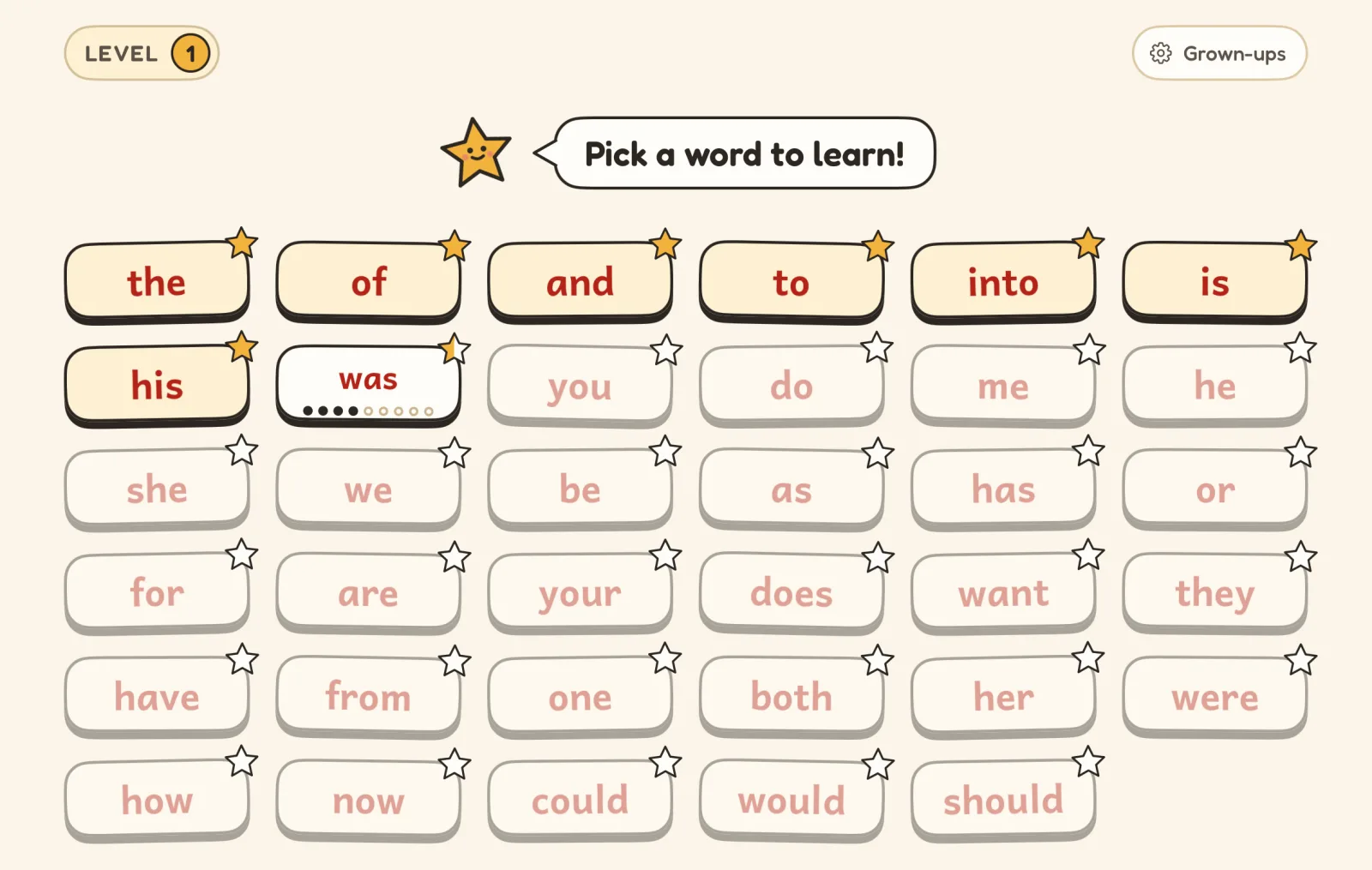
That’s one word. Level 1 has 35.
Words open in order, and each lesson uses only the sight words that came before it. If your child already knows a few, a grown-up can choose a starting word.
Levels 2 and 3 are on the way, each as its own app.
Safe to hand to your child.
There are no ads, no purchases, no accounts and no tracking. Every lesson and voice clip is inside the app, so it works offline, and progress stays on the iPad. Settings sit behind a times-table question that grown-ups answer. Read the privacy policy